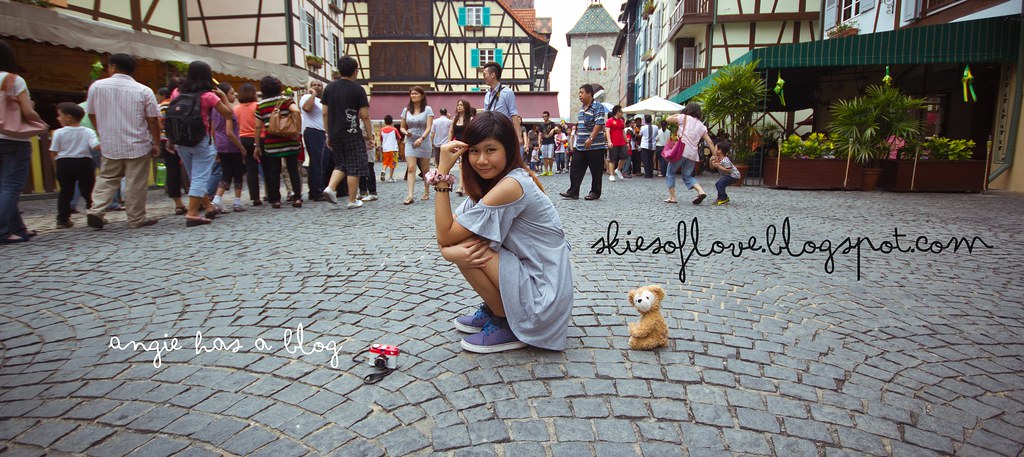
When I was using my bangala-also-use-better-one camera, I wished for a camera with the swivel screen. ( So I could camwhore wayyyyyyyyyy better)
When I got my camera with a swivel screen , I wished for a lighter camera.
When I receive this camera, I wasn't sure what I would wish for next.
Courtesy of Casio SG x Omy.sg , I was given the opportunity to play with this new toy .
The Casio Exilim TR 150.
360 degree rotation for frame and 270 degree rotation for the screen
Wow, fantastic baby
See the white clip? That's a stylus for the camera.
(Will share more in the next entry )
 |
| Auto mode |
 |
| A picture taken at about 7plus in the evening. |
This camera doesn't have flash so I'm quite wowed by the picture I took .
 |
| Camera in HDR Art mode |
Sharing my 2 "love at first sight" functions.
The first one would be the motion shutter function.
 |
| Adeline & I trying out the motion shutter function |
How it works :
Step1: move the green button to where you want in the screen .
Step2: Get ready for picture, let the button sense your hand
Step3 : A 2second timer starts, strike a pose
Step4 : Picture taken !
The second one is definitely all the girls' favourite.
MAKE-UP MODE !
No make up & photo shop time for you on the camera but it gives you flawless skin depending on the level you choose.
Being self-obsessed and over produced of #vaincells, I took a shot for each level. #cellology
Take a look at the difference !
My say :
If you want to look natural and to have good complexion, I recommend to go for level 3-5 .
Level 7 onwards are best for dreamy effects .
Level 9 onwards are too doll like, if your makeup cakes or you have large pores, this is good.
I've yet to finish exploring the camera, so please continue to stay tuned to more updates about the camera.
GOOD NEWS , IT'S WISHING TIME .
Casio exilim knows that after reading this , YOU WOULD WANNA OWN ONE TOO!
Here's the instructions.
Step 1 : LIKE Casio Exilim Singapore FB Page.
Step 2 : Tell them why YOU deserve to win the TR150 in less then 250 words.
Step 3 : Submit it, get yourself some votes !
*wink wink * Voters also get to win the TR150 too !
Tip : BE AS CREATIVE AS POSSIBLE. Impress the jugdes !
May the odds be ever in your favour !
#whatthehungergamestaughtme
Loves,
A.